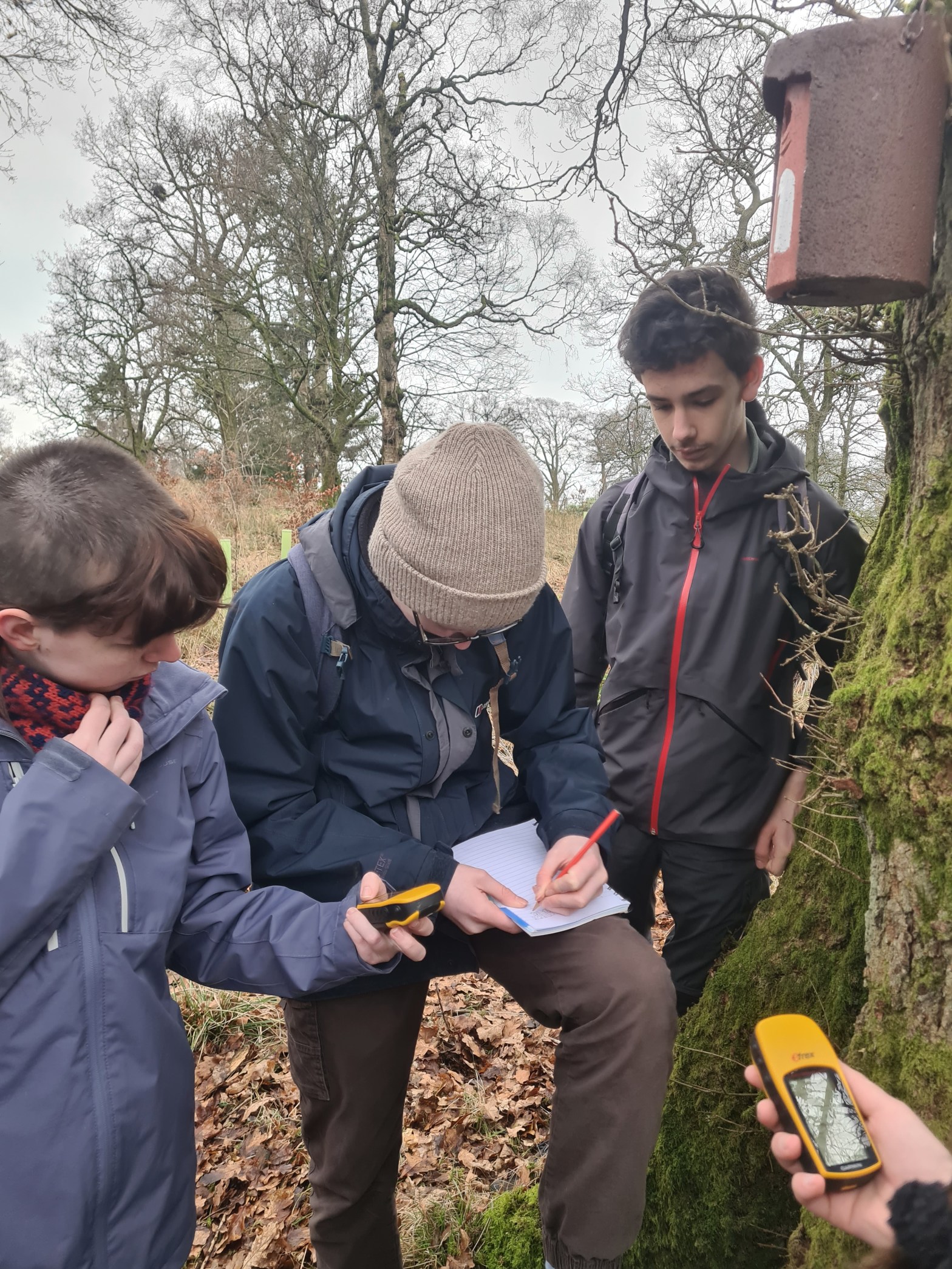
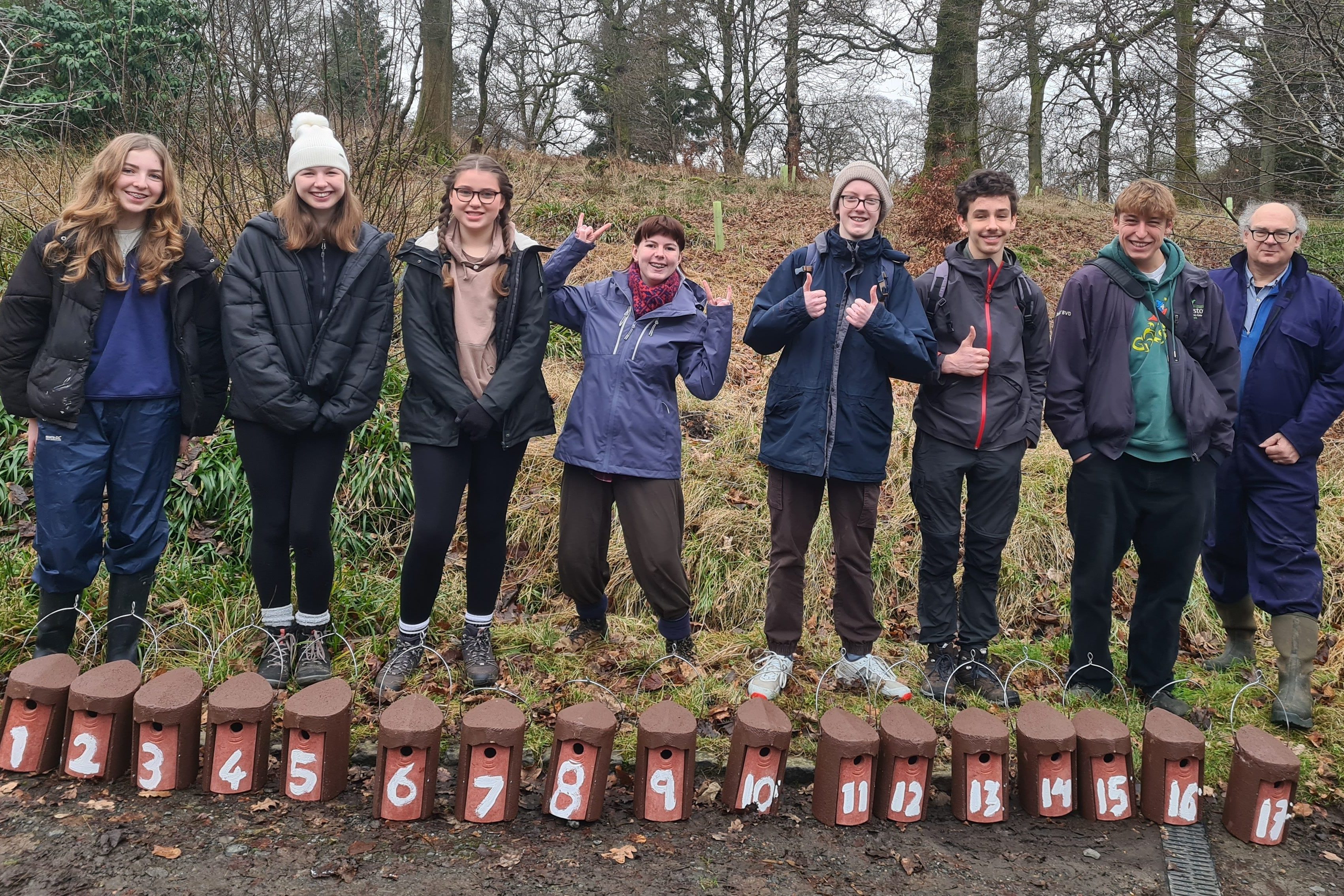
NERD Club January meeting. We had a great meeting today – thank you to all who came along!
Map for Nest Boxes
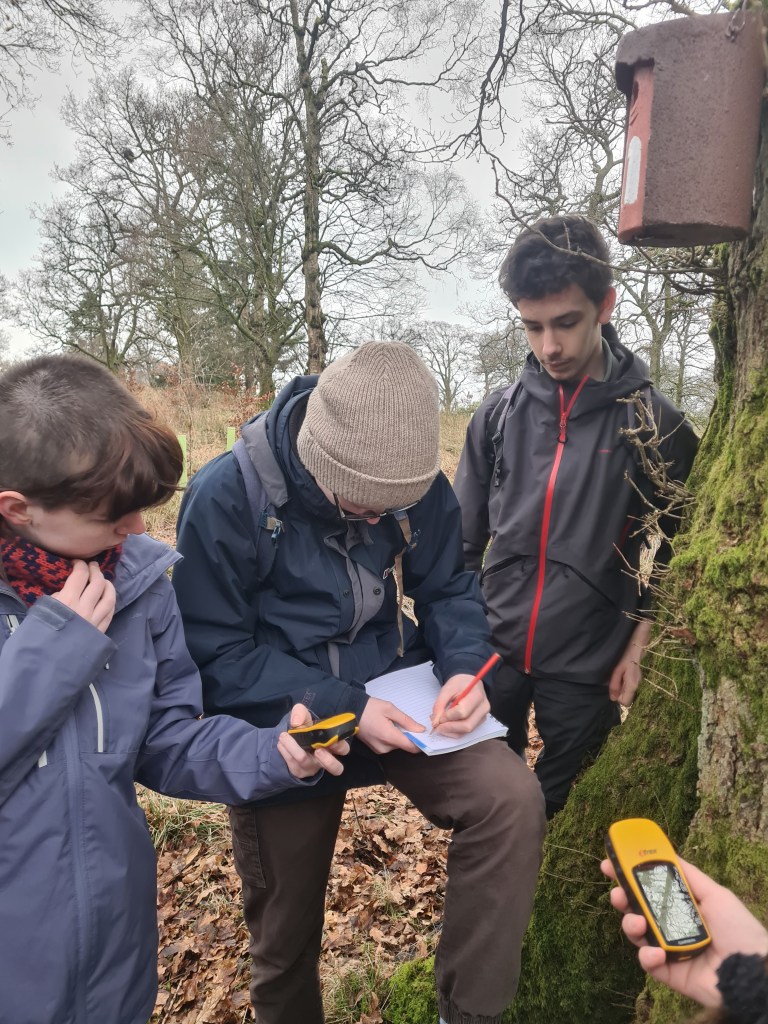
We managed to get all 25 nest boxes up and we recorded their positions on GPS and in a dedicated google map – you will all have an invitation to the googlemap by email.
When we are doing the nestbox checks, which will start in late March/April this is where we can all edit this google map and so we will be able to add information about egg and chick numbers. It means that everyone in the group will be able to see what is happening at the nestboxes and get an alert when information is added.
Nestbox checks
For the weekly nestbox checks we will get a rota up of young people going out to check – either in pairs or with a parent. An important date for the diary will be the induction for nest box checks which will be with young people and parents (if possible), we will go round all the nestboxes as a training for the nest box checks and also arrange a rota for the checks, and talk about safety (of human and nest!)
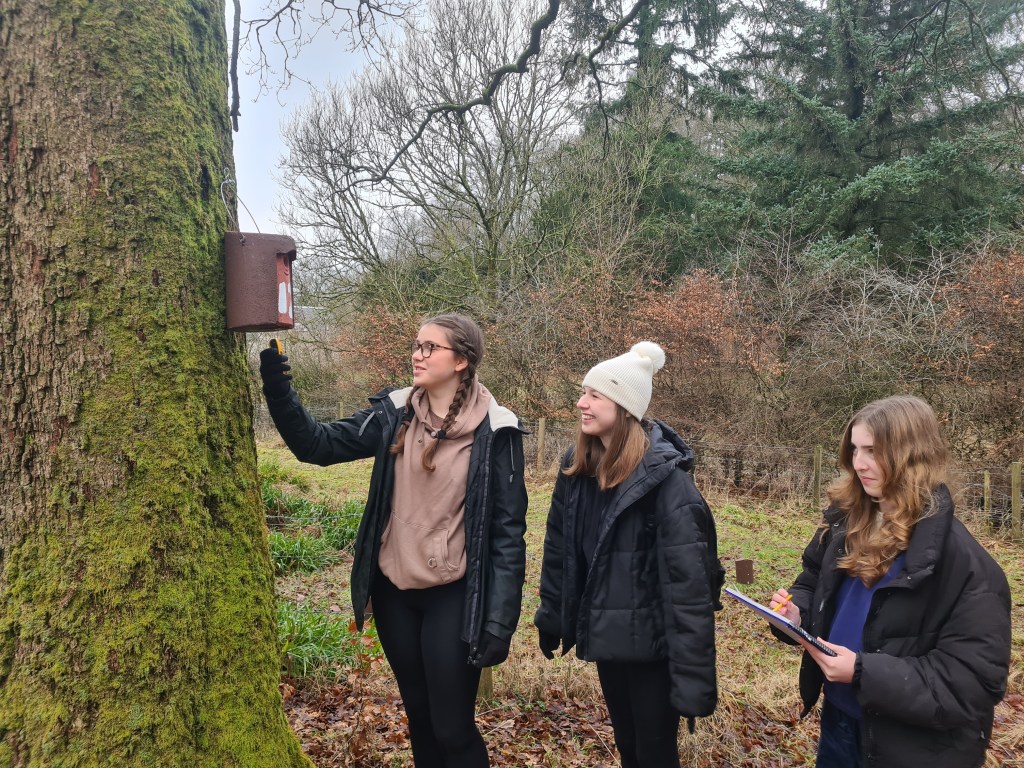
After we’ve done the induction parents can decide whether they’d be happy for their young person to do the check with other young people, or whether they’d like to take part too.
We think there will be enough numbers that teams will do only two next checks between start April and early June. and these can be flexible one day, either side of the set date. And should take between an hour and two hours, depending on whether there are eggs/nestlings.

i-Naturalist
We set up an iNaturalist project where we can all log our findings to. Everyone should already have it on their phones who came along. – as we set it up together
Please use the next month to try out entering some records – to start with just enter records of things that you definitely know what it is – as we are learning how to use the system. One thing that it important, which we didn’t discuss at the meeting, was that when you put in location, especially if it is in your garden/school, put in locations as ‘obscured’ This means that the publicly available data won’t have an exact location and just gives a rough indication. I think we should get into the habit of always using ‘obscured’ when we enter our data. If it is something that is a protected species – Badger for example – you should use ‘private’. This means that the data goes onto the database and can be used for research but people would have to request the location if they want to use it. This means that it doesn’t give away the location of places like badger setts.
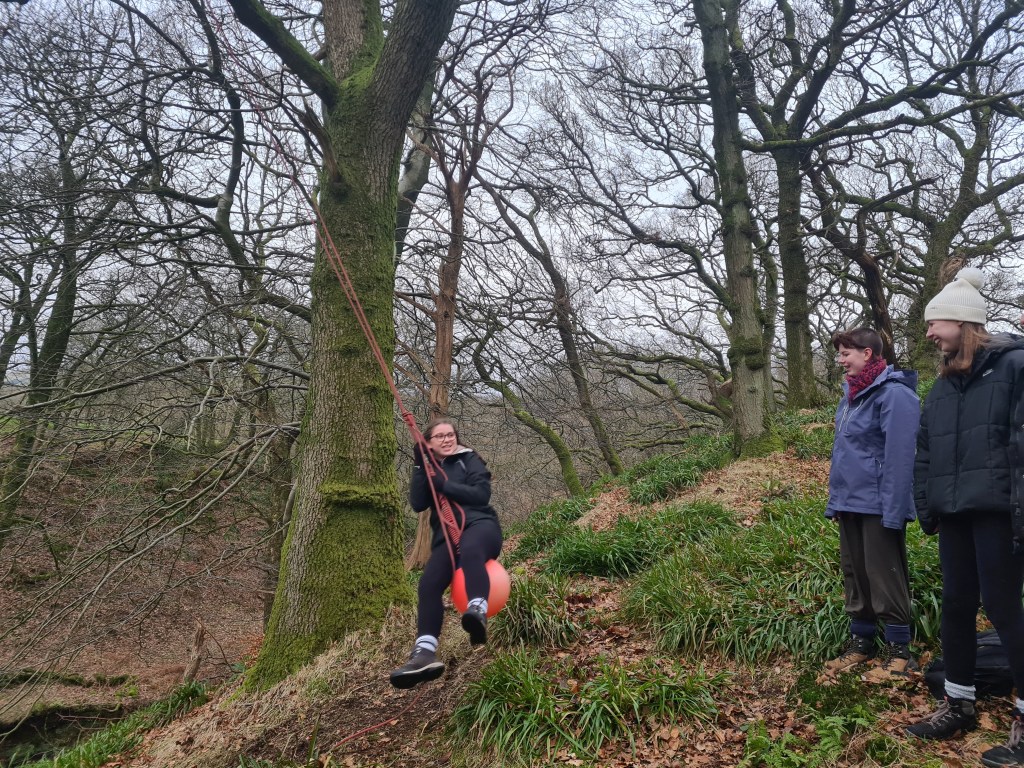
 Upper Woodburn